

InnoX
Improve yo
TASK MANAGEMENT

Improve your work with better data.

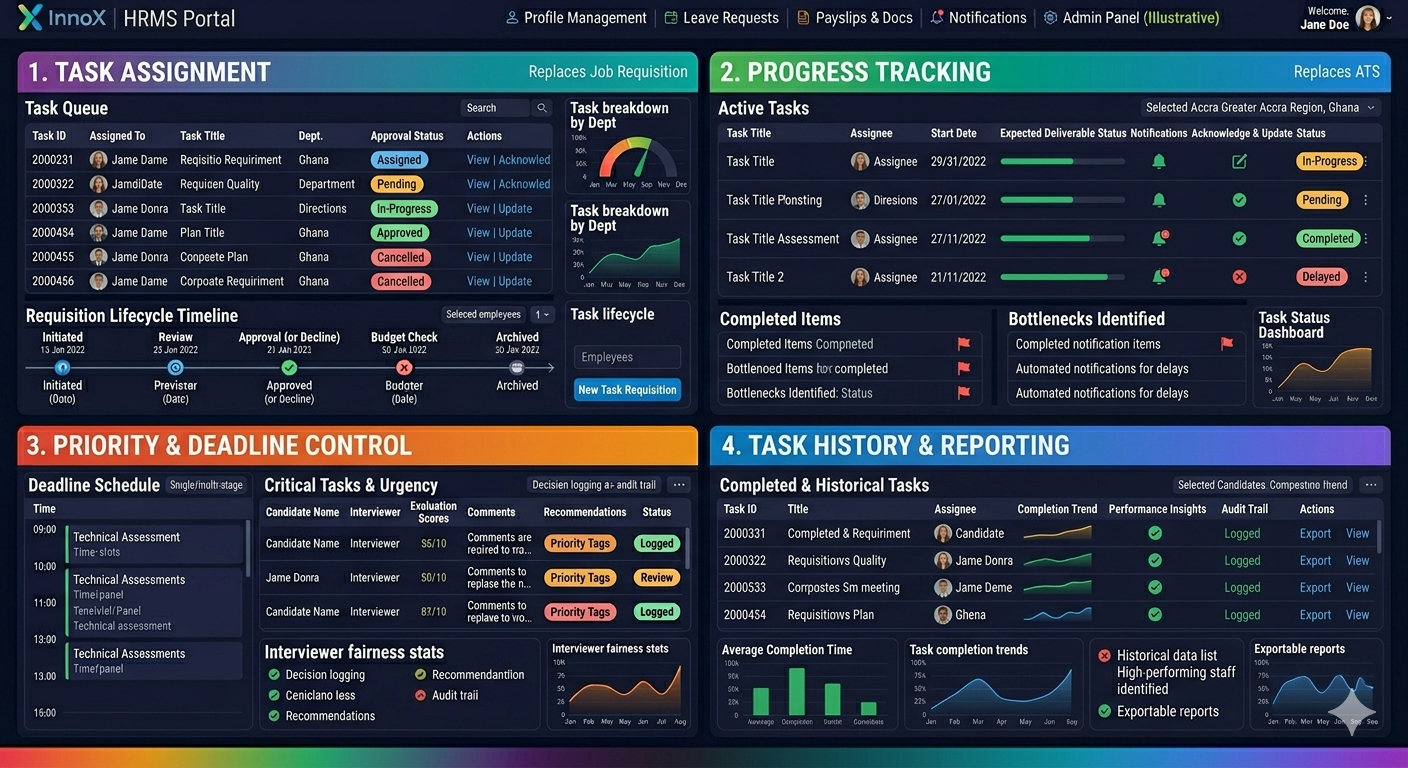
Turn your daily operations into a wealth of strategic intelligence with a module that maintains a complete, auditable record of every task ever assigned. Our system captures full historical performance and completion trends, allowing HR and management to identify high-performing staff and pinpoint departments that require additional support.

From Assignment to Completion

Without structured task management, responsibilities become unclear, deadlines slip, and accountability suffers. Teams waste time clarifying expectations. Managers lack visibility into progress. Alignment with organizational goals breaks down. The Task Management sub module eliminates these challenges with a centralized workspace for assigning, monitoring, and reporting on tasks. The outcomes below reflect the improved accountability, operational clarity, and goal alignment that come from an efficient task management platform.

Structured Task Assignment & Ownership

This section enables managers to assign specific tasks with clear instructions, deadlines, and expected deliverables. It ensures every team member understands their individual responsibilities and can acknowledge or update their tasks in real-time, often supported by relevant templates and links to guide execution.

Performance illustration
Task Creation & Assignment

Task Creation & Assignment

Create, assign, and distribute tasks to employees or teams with clear responsibilities and deadlines. This section helps ensure work is properly delegated and accountability is maintained.

  • Task Creation
  • Task Assignment
  • Priority Setting
  • Deadline Allocation
Task Tracking & Progress

Task Tracking & Progress

Monitor task status and work progress in real time to ensure assignments are completed as expected. This section gives managers and employees better visibility into ongoing activities.

  • Task Status
  • Progress Updates
  • Completion Tracking
  • Work Milestones

Discover More with InnoX

It integrated HRMS engineered to streamline HR operations, enhance workforce productivity, and maintain accurate personnel data across the organization. decision-making while empowering employees with transparent, self-service access to their information.

Collaboration & Follow-Up

Collaboration & Follow-Up

Support teamwork and communication around tasks through comments, updates, and shared responsibilities. This section helps teams stay aligned and improve execution.

  • Task Comments
  • Team Collaboration
  • Team Collaboration
  • Shared Assignments
Capabilities

Task Management

Everything you need to assign, track, and complete tasks across teams ensuring accountability, visibility, and timely delivery.

Task Creation & Assignment

Create tasks with titles, descriptions, priorities, deadlines, and assign to individuals or teams instantly.

Priority & Deadline Tracking

Categorize tasks as low, medium, or high priority with automated deadline monitoring and overdue alerts.

Task Dependencies

Link related tasks so that dependent tasks cannot start until prerequisite tasks are marked complete.

Progress Monitoring

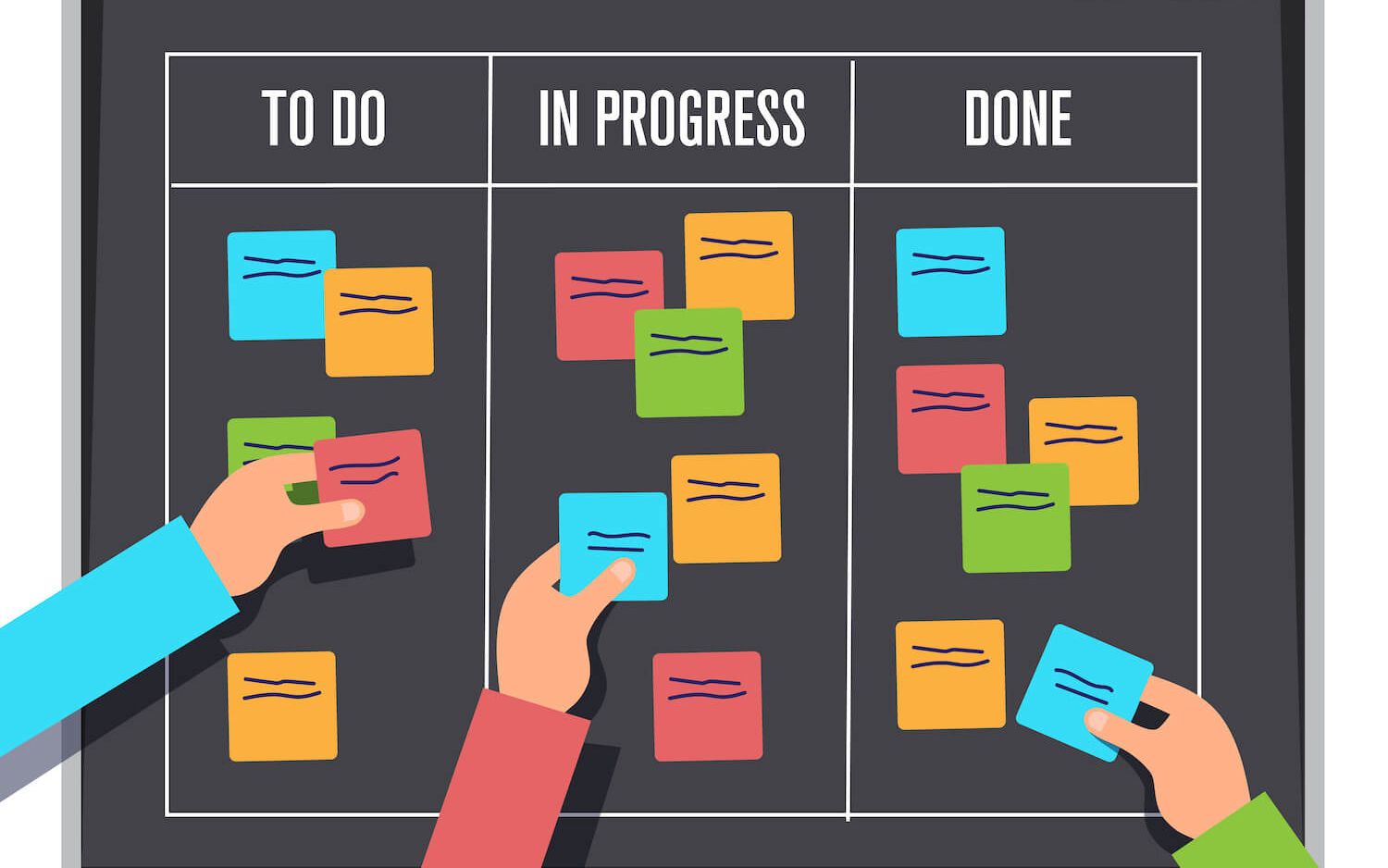
Visual dashboards showing task status (Not Started, In Progress, Completed) with percentage completion tracking.

Subtask Management

Break down complex tasks into smaller subtasks with separate assignments and deadlines for better granularity.

Approval Workflows

Route completed tasks for manager review and approval before final closure, with rejection and rework options.

Task Comments & Attachments

Team collaboration via comment threads and file attachments directly within each task.

Task History & Audit Log

Complete timestamped records of all task actions creation, assignment, edits, comments, and completion for accountability.

Multi-Platform

Responsive For Both Desktop and Mobile

Access your task management from anywhere, on any device. Our platform adapts seamlessly to desktop, tablet, and mobile screens.

Desktop Website Preview
Mobile Website Preview

Frequently asked questions

Explore answers to the most common questions from our trusted partners and clients.

Yes. Employees can create private tasks visible only to themselves and their manager (or completely private, based on configuration). This allows individuals to manage personal reminders and action items alongside work assignments.

Experience the Difference for Yourself!

  • Explore all features and decide if it’s right for you
  • Upgrade your workflow and launch faster than before
  • Join our community and start learning as you build
InnoX
Innorik
Enterprise
Two people moving forward together through a sunlit park