

InnoX
Visibility
PERFORMANCE EXECUTION AND TRACKING

Visibility That Moves You Forward

This submodule captures real-time performance data and tracks progress on assigned initiatives, providing leaders and teams with immediate visibility into what is working, where bottlenecks exist, and how work is advancing against strategic priorities.

What Real-Time Visibility Delivers

When performance data is captured and tracked in real time, organizations gain more than just information, they gain the ability to act decisively. Information without timeliness is merely history. Real-time data transforms history into actionable intelligence. Leaders can spot trends as they develop, not after they have already impacted results. Teams can self-correct based on immediate feedback rather than waiting for end-of-month evaluations. The entire organization becomes more agile, more responsive, and more effective. The outcomes below reflect the operational improvements, strategic advantages, and cultural shifts that emerge from having live visibility into initiative progress where every employee knows where they stand, every manager knows what needs attention, and every decision is informed by current reality rather than outdated assumptions.

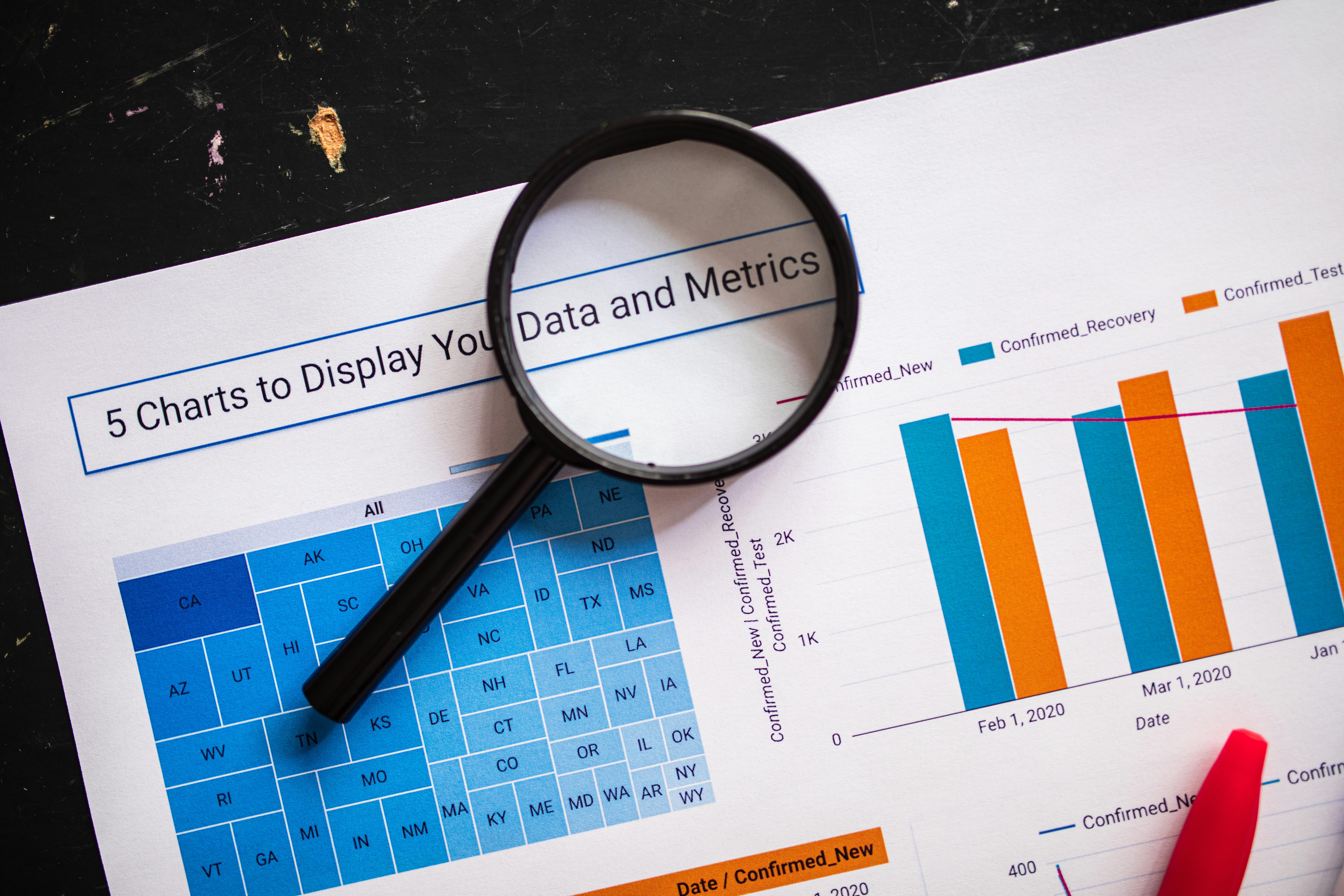
Real-Time KPI Tracking Dashboard

A live, interactive dashboard that displays current performance against key performance indicators for every employee, team, and initiative. Managers can see exactly where each initiative stands at this moment not where it stood two weeks ago.

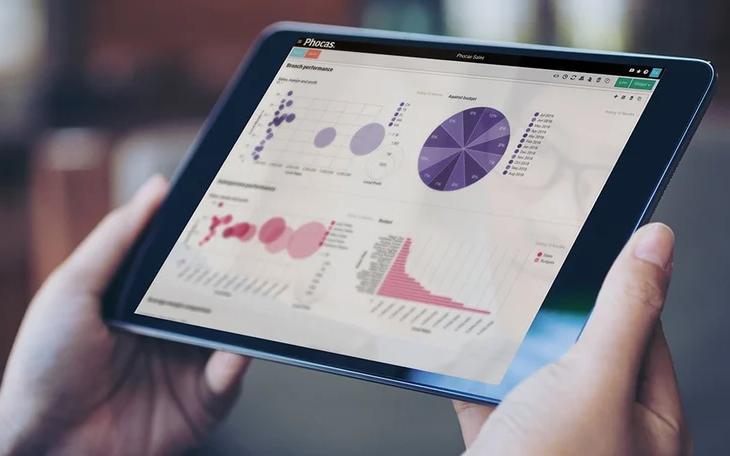
Performance illustration
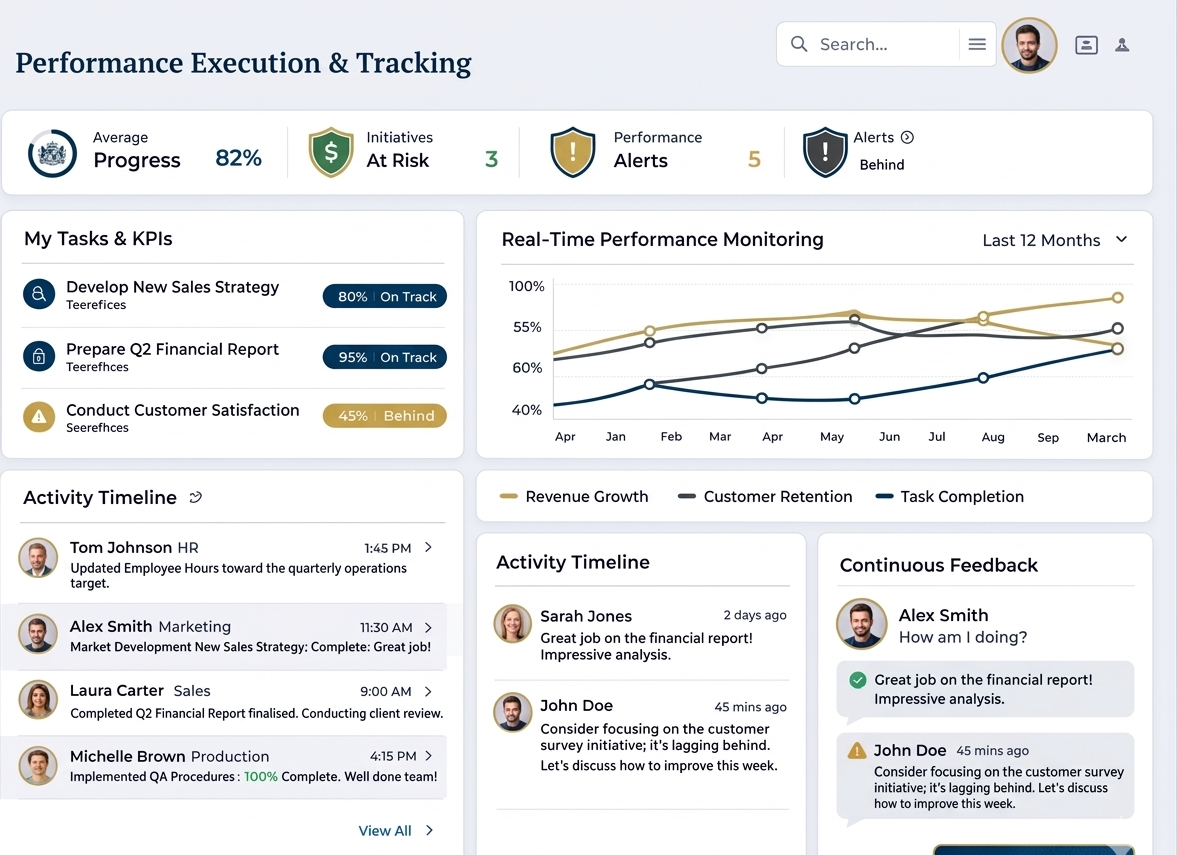
Real-Time KPI Monitor

Real-Time KPI Monitor

A live dashboard panel that displays current performance against key performance indicators for every employee, team, and initiative. Managers can see exactly where each initiative stands at this moment not where it stood two weeks ago enabling proactive intervention before small issues become costly failures.

  • Each KPI displays actual value, target value, variance percentage, and a trend arrow showing whether performance is improving, declining, or stable compared to the previous period.
  • Click any KPI to view historical trend charts, detailed breakdowns by contributor, and a log of all updates and comments related to that metric.
  • Automated alerts trigger when KPIs fall below acceptable thresholds, sending notifications to relevant managers via email, in-app, or integrated collaboration tools.

Recent Activity Feed

Recent Activity Feed

A chronological feed showing every progress update, status change, comment, and attachment added to initiatives across the organization. This real-time activity stream gives managers and team members complete visibility into what is happening right now, eliminating the need for status meetings and manual check-ins. The feed can be filtered by team, initiative, date range, or update type.

  • Each activity entry displays the user who made the update, timestamp, initiative name, and a summary of the change such as percentage completion updated, comment added, or status changed from at-risk to on-track.
  • Users can like, comment on, or flag activities directly from the feed, enabling quick acknowledgment or follow-up without switching screens.
  • The feed automatically highlights activities on at-risk or overdue initiatives with a yellow or red border, drawing immediate attention to items that need management focus.

Discover More with InnoX

The InnoX Performance Management module enables continuous, transparent, and structured evaluation of employees to drive productivity, professional development, and alignment with organizational objectives. Built to support the operational demands of various roles including technical, field, and administrative, the module ensures that every employee's contribution is measured fairly and consistently.

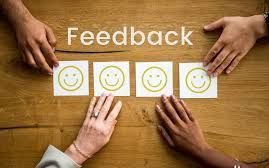
Continuous Feedback Wall

Continuous Feedback Wall

A dedicated panel where employees, peers, and supervisors share real-time feedback in the flow of work. Unlike annual reviews that capture only a single moment in time, this wall displays ongoing recognition, coaching suggestions, and course corrections as they occur. Employees can see how their work is perceived, managers can track feedback patterns, and everyone benefits from timely, constructive communication.

  • Employees can request feedback from specific colleagues or managers after completing significant tasks, with requests appearing on the recipient's dashboard until a response is provided.
  • All feedback is tagged by type, coaching suggestion, constructive critique, or recognition, enabling users to filter by the kind of feedback they want to see.
  • Managers receive alerts when negative feedback patterns emerge for any employee, enabling timely coaching conversations before performance issues become entrenched.
Capabilities

Features Of Performance Execution & Tracking

Everything you need to capture real-time performance data, track progress on initiatives, and keep everyone aligned from manual updates to automated system integration.

Staff Performance Updates (Manual Entry)

Employees manually update task progress where automation is unavailable; flexible tracking for all work types.

Automated Data Collection (System Integration)

Automatically pulls performance data from HR, payroll, time tracking, and other systems; no manual entry or reconciliation.

KPI Tracking & Measurement

Tracks KPIs for employee targets; shows actual vs. target, variance, and trends at a glance.

Real-Time Performance Monitoring

Provides live progress visibility for early intervention; see issues before escalation and course-correct before missed deadlines.

Progress Logs & Activity Tracking

Maintains complete timeline of updates, changes, and actions; shows who, when, and what changed.

Continuous Performance Feedback

Enables real‑time performance communication; no waiting for annual reviews.

Performance Scorecards

Provides a summarized employee performance view against KPIs and initiatives; at‑a‑glance color‑coded ratings.

Milestone Tracking

Allows managers to define milestones with automatic alerts for completion, approach, or overdue; never miss critical deadlines.

Multi-Platform

Responsive For Both Desktop and Mobile

Access your performance execution and tracking from anywhere, on any device. Our platform adapts seamlessly to desktop, tablet, and mobile screens.

Desktop Website Preview
Mobile Website Preview

Frequently asked questions

Explore answers to the most common questions from our trusted partners and clients.

InnoX integrates seamlessly with other modules and external systems to pull performance data automatically, eliminating manual entry where possible: the HR module provides training completion rates and certification status; the payroll module supplies attendance, overtime, and leave balances; time tracking captures hours logged against specific initiatives or tasks; the telemetry module delivers operational data such as outages cleared and response times; and the financial module offers budget versus actual spend on initiatives. In short, if a metric can be measured by another system, InnoX can collect it without requiring employees to report it manually.

Experience the Difference for Yourself!

  • Explore all features and decide if it’s right for you
  • Upgrade your workflow and launch faster than before
  • Join our community and start learning as you build
InnoX
Innorik
Enterprise
Two people moving forward together through a sunlit park